Migrations and Replications
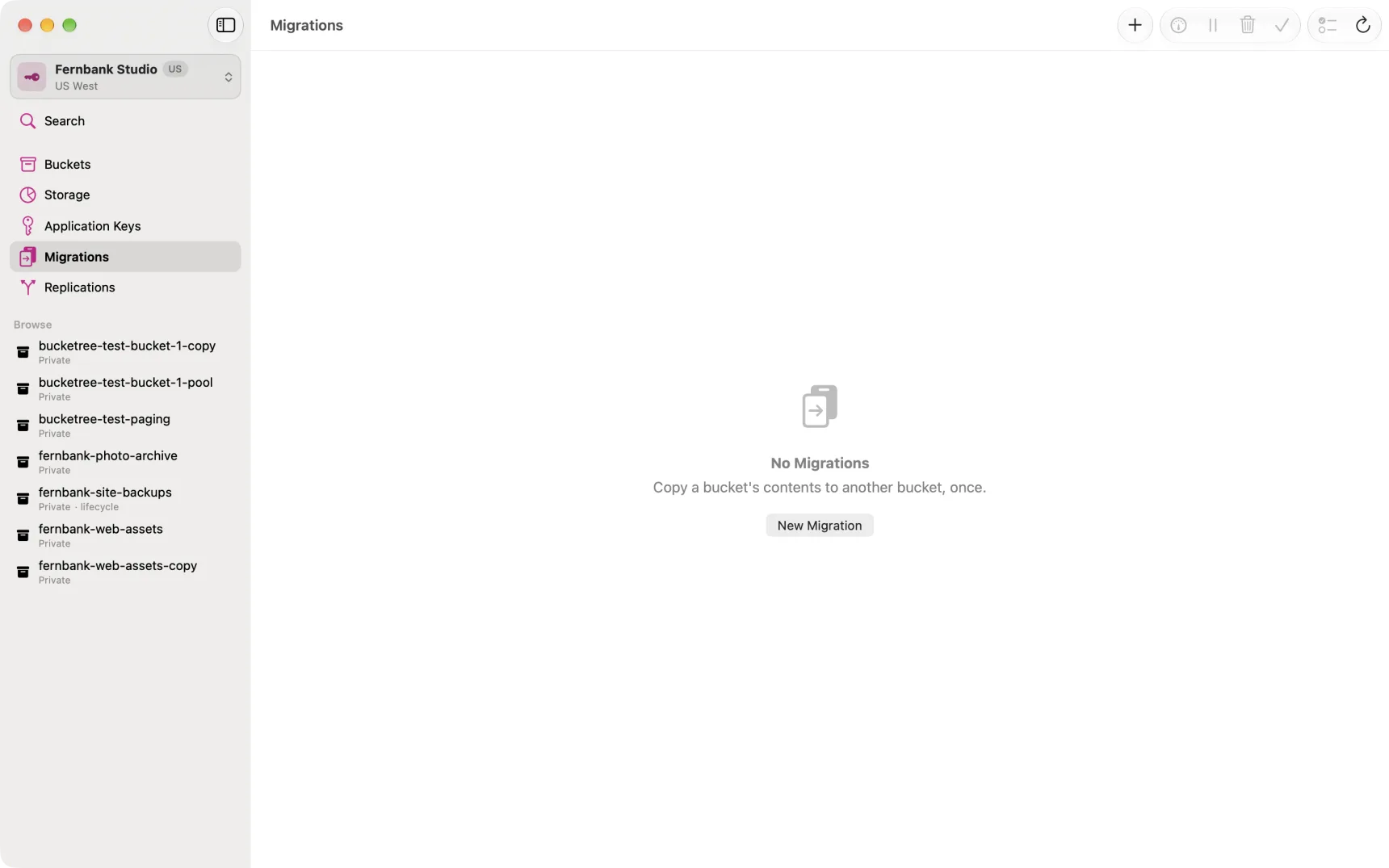
Backblaze can copy a bucket's contents into another bucket, on its own, without the files passing through your Mac. Bucketree sets that up and then tells you how it is going.
There are two jobs, and the difference is when they stop.
| What it does | When it ends | |
|---|---|---|
| Migration | Copies everything already in the bucket, and anything that arrives while it runs | When you finish it |
| Replication | Copies what arrives from now on | When you remove it |
Starting one
Two ways in, and they ask for different things because each already knows the other.
From the bucket. Select a bucket in Buckets and choose Replicate or Migrate. The bucket is settled, so the first question is which job you want.
From the pane. Open Migrations or Replications and press +. The job is settled by which pane you are in, so the first question is which bucket to copy from.
Either way it is six steps: what to do or which bucket, which files, where to, the keys, what will not come across, and a review.
Which files is where you choose the whole bucket or one folder, and, for a replication, whether the files already in the bucket are copied or only the ones that arrive from now on. A migration always copies what is there.
A brand new account cannot do this yet
Backblaze will not run replication for an account that has never paid it anything, and it says so only when you start the job.
The fix is in the Backblaze web console, in the same place: open Cloud Replication under B2 Cloud Storage. That page may throw up one or more errors as it loads. Dismiss them. Behind them is a notice reading "A payment history is required", above a link offering a one time fee of $1.00 plus tax that is credited back to your account. Pay it, then start the job again in Bucketree. Nothing is left behind by the refusal.
A card stored on the account is not enough on its own. Backblaze is asking for a payment that has actually gone through.
The keys are made for you
Backblaze refuses to run replication with a Master Application Key, so a job needs two ordinary keys: one that can read the source, one that can write the destination. Bucketree makes both when the job starts and deletes them when the job is removed. You do not have to make them yourself, and you should not reuse an existing key for this.
What will not come across
The fourth step lists this for your bucket, with counts, before anything runs. Backblaze does not copy:
- files already hidden, and the hide markers themselves
- large uploads that were never finished
- files encrypted with your own key
- file information over 2,048 bytes
None of these is a fault, and none of them will be reported later as a failure. They simply are not part of what replication does.
Watching it
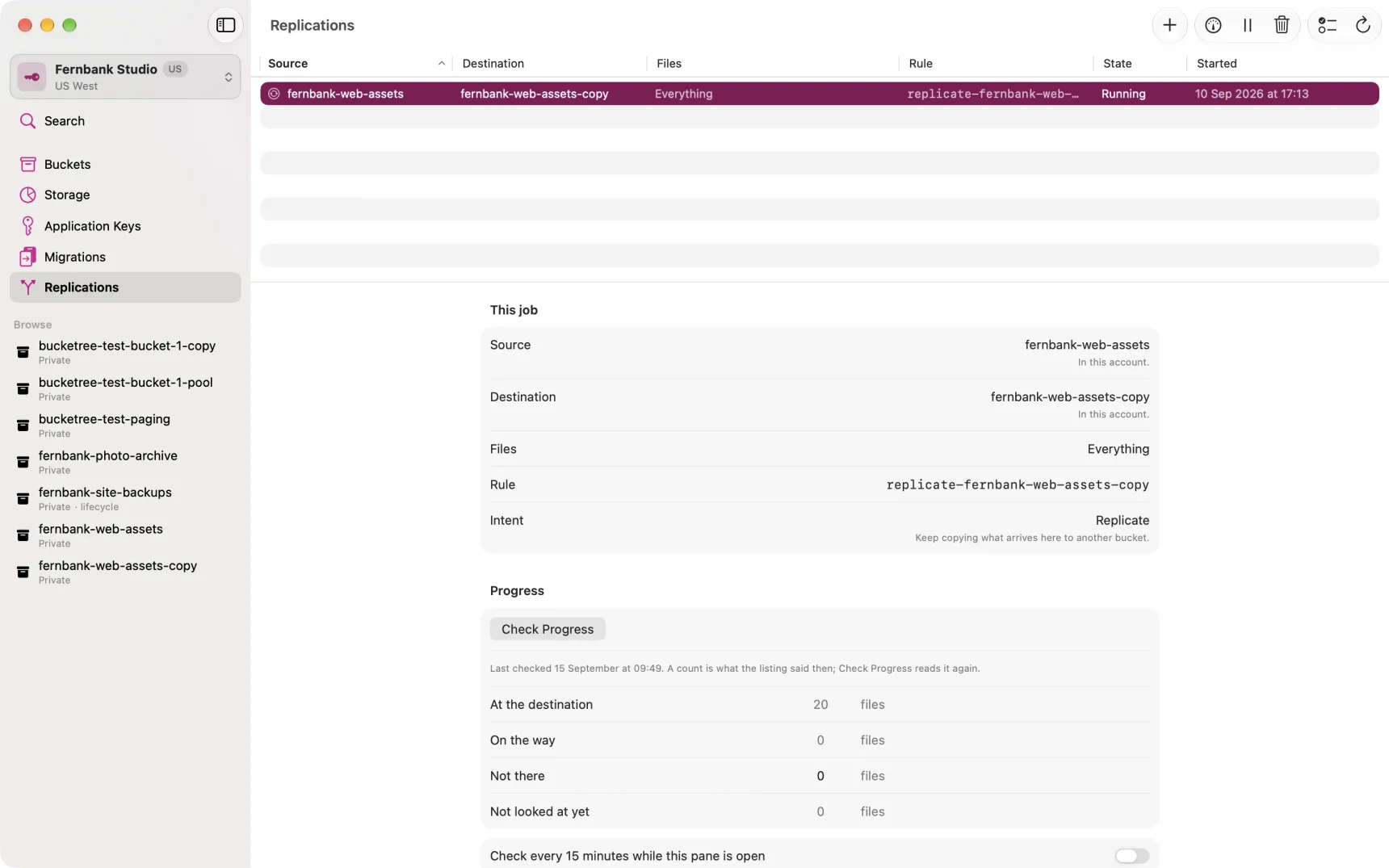
Press Check Progress on a job to count where its files are. The counts are files, not versions: how many are at the destination, how many are on the way, how many are not there, and how many Backblaze has not looked at yet.
Two things about the timing are worth knowing, because they look like faults and are not.
A file uploaded after the job starts is copied within minutes. A file that was already in the bucket waits for Backblaze's overnight sweep, so a job started this afternoon will show nothing moving until tomorrow morning.
A count is what the listing said when you asked. Nothing updates on its own; press Check Progress again, or switch on the fifteen-minute repeat while the pane is open.
Finishing a migration
Backblaze has no idea what a migration is. It is an ordinary replication rule, and it keeps copying anything new that arrives until somebody takes it down.
So when everything has arrived, the job says Ready to finish and Bucketree offers to remove the rule and the two keys it made. Until you do that, the migration is a replication.
Bucketree checks each unfinished migration when it starts up, so coming back the next day is enough to be told.
Removing one
Remove takes the rule down at any time. Nothing already copied is affected and nothing in either bucket is deleted. The keys Bucketree made for the job go with it, unless another job still needs them.