Protecting files from deletion
B2 offers three separate things here. Two of them cannot be undone, and one can. It is worth knowing which is which before you use any of them.
| Reversible | Applies to | |
|---|---|---|
| Object Lock on a bucket | No, never | The bucket |
| Retention, governance mode | Yes, with the right permission | New files |
| Retention, compliance mode | No, by anyone | New files |
| Legal hold | Yes, at any time | One file |
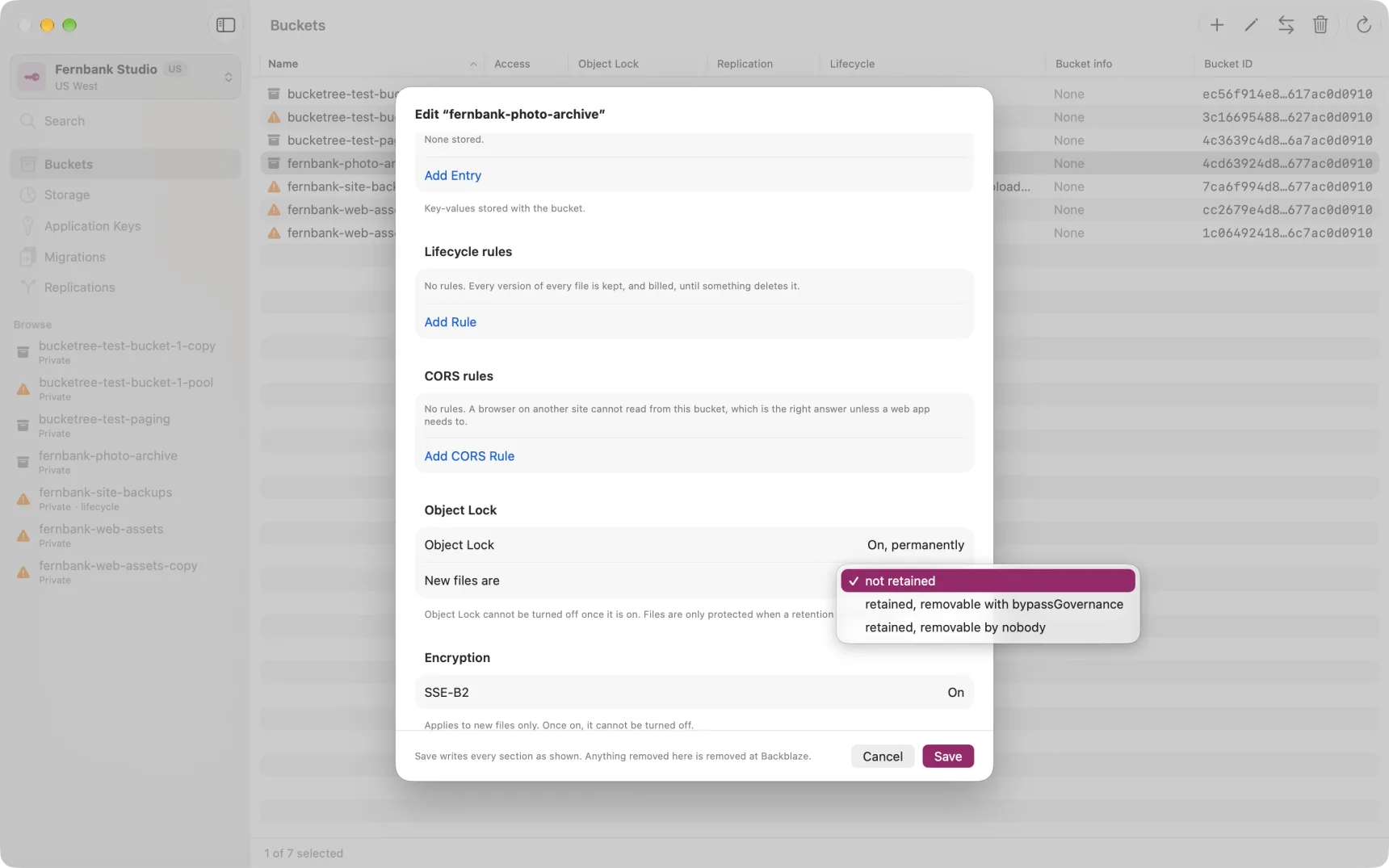
Object Lock
Enabling Object Lock on a bucket cannot be undone. There is no way to turn it off again, in Bucketree or anywhere else, because B2 has no such operation. Bucketree asks before doing it and then shows the state as permanent, with no control that pretends otherwise.
On its own it protects nothing. Files become immutable only once a retention period is set. A bucket with the lock on and no retention is flagged in the Buckets list, because it looks protected and is not.
Retention
Retention applies to files uploaded after it is set. It does not reach back to files already there.
Governance can be removed or shortened by a key holding the
bypassGovernance capability. This is the sensible default and the one
Bucketree selects for you.
Compliance cannot be removed or shortened by anyone. Not by you, not by your Master Application Key, and not by Backblaze Support. The data cannot be deleted before the period expires, you are billed for it throughout, and the bucket cannot be deleted until then. The only escape is closing your entire Backblaze account, which deletes everything in it.
For that reason Bucketree asks you to type the bucket's name before it will accept compliance mode. If you are experimenting with it, Backblaze recommends using a separate account you are willing to close.
Legal hold
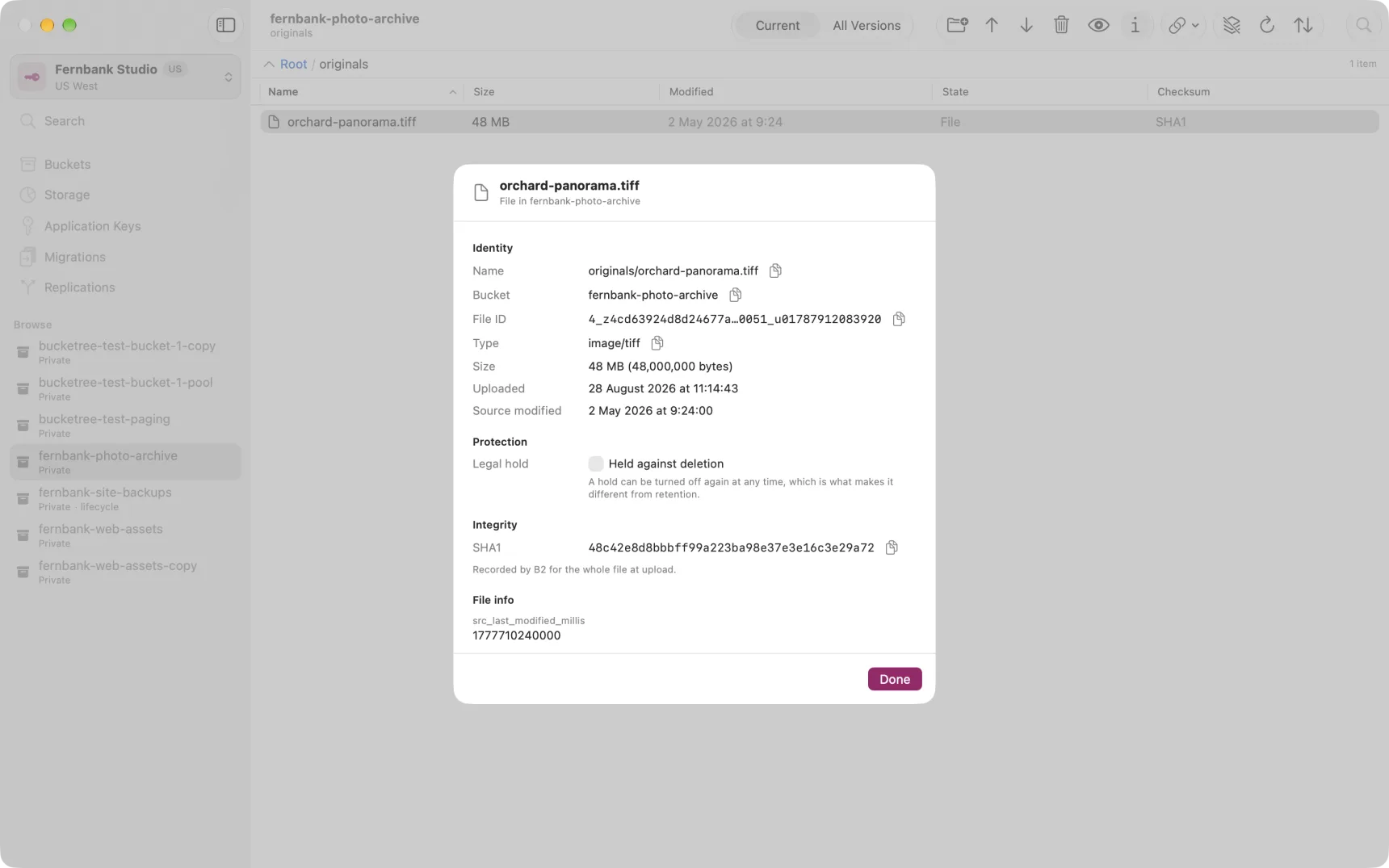
A legal hold is a switch on a single file. Turn it on and the file cannot be deleted. Turn it off and it can. There is no clock and no minimum.
It is the reversible one, which makes it the right tool when you need to preserve something for a period you cannot predict, such as while a dispute is running.
Find it in Get Info on any file. The bucket must have Object Lock enabled first: B2 refuses a hold otherwise.
Encryption
SSE-B2 has Backblaze encrypt new files with a key it manages. Since 14 September 2026 it is Backblaze's default: new buckets get it at once and existing buckets are being switched over gradually, and once a bucket has switched it cannot be turned off for new files. The bucket sheet shows whether a bucket reports it on, and offers Turn On SSE-B2 for one that does not yet, which makes the setting explicit rather than waiting for the switch. Files already in the bucket are not changed either way; Get Info shows each file's own state. To encrypt an old file, copy it in place and delete the original.
One interaction to watch
A locked file cannot be deleted by a lifecycle rule either. If a bucket has both, the rule will fail rather than delete, and nothing will tell you except that the files stay. Bucketree warns where both are set.