Lifecycle rules and the two clocks
A lifecycle rule tells B2 to tidy up on its own. Bucketree edits them in the bucket's settings sheet: select a bucket and press ⌘I.
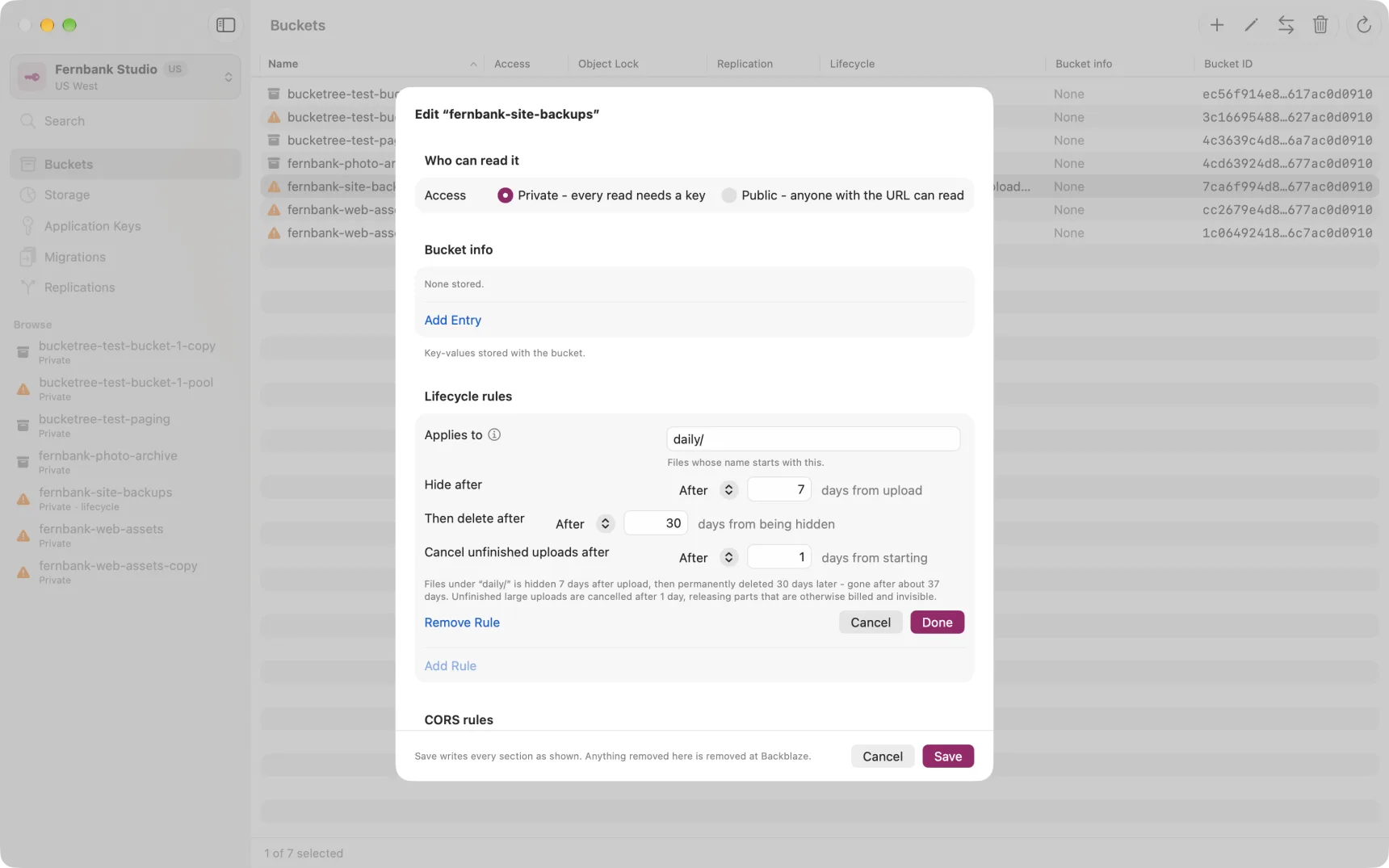
There are two clocks, not one
Most tools show a single "delete files after N days" checkbox. B2 does not work that way, and collapsing it into one control is how people lose data they meant to keep, or keep data they meant to lose.
| Setting | Clock starts | What happens |
|---|---|---|
| Hide after | When the file is uploaded | The file is hidden, but every byte is still stored and billed |
| Then delete after | When the file becomes hidden | The hidden version is permanently removed |
| Cancel unfinished uploads after | When a large upload starts | Abandoned parts are discarded |
So a rule with 30 and 7 keeps a file for about 37 days, not 30 and not 7. Bucketree writes out what the rule will actually do in a sentence underneath, including that total, because no field on the form shows it.
Hiding without deleting
Setting Hide after and leaving Then delete after empty means files vanish from the listing and are stored and billed indefinitely. That is a legitimate thing to want and a very common accident, so the app says which one you have built.
Applies to
A rule can cover the whole bucket, or only names starting with a given prefix.
B2 has no folders. What looks like one is a / inside the file name, so a
prefix is a plain text match from the first character: logs/ matches
logs/app.txt and logs/2026/errors.txt, and log would also match
login.json. There are no wildcards.
Overlapping rules
Rules may overlap. Where they do, B2 evaluates every matching rule and applies the smallest number for each setting independently. Not the first rule, and not the most specific one.
A caution about Object Lock
If a bucket has Object Lock with retention, a lifecycle rule that tries to delete a locked version will fail rather than delete it. Bucketree warns about this where both are visible. See Protecting files from deletion.